
Problem & Solution
Working or gaming on a computer in a dimly lit room often leads to severe visual fatigue caused by the high contrast between a bright display and a dark wall. Traditional static background lights provide static glare reduction, but they fail to match the rapidly shifting colors and brightness levels of video content and dynamic games.
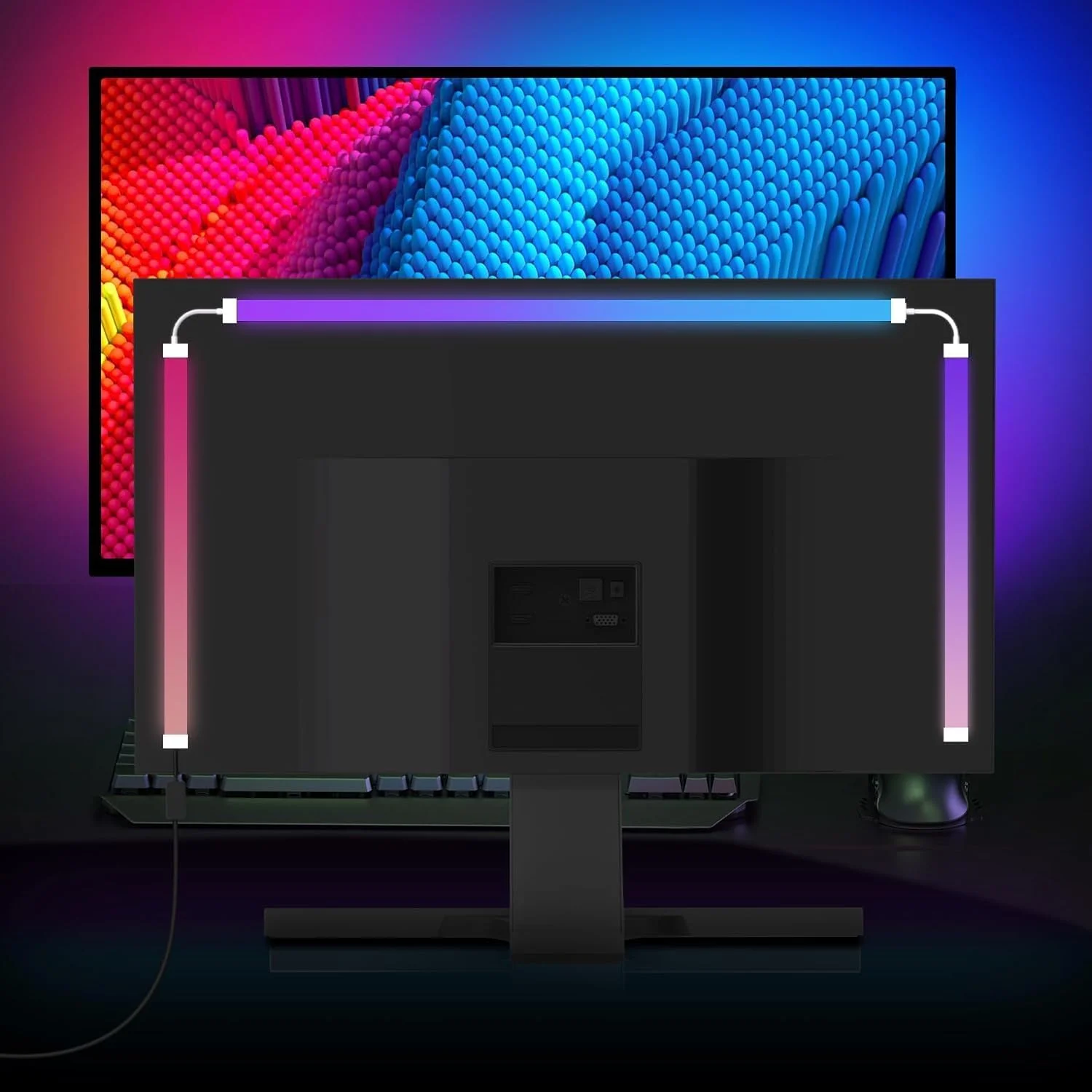
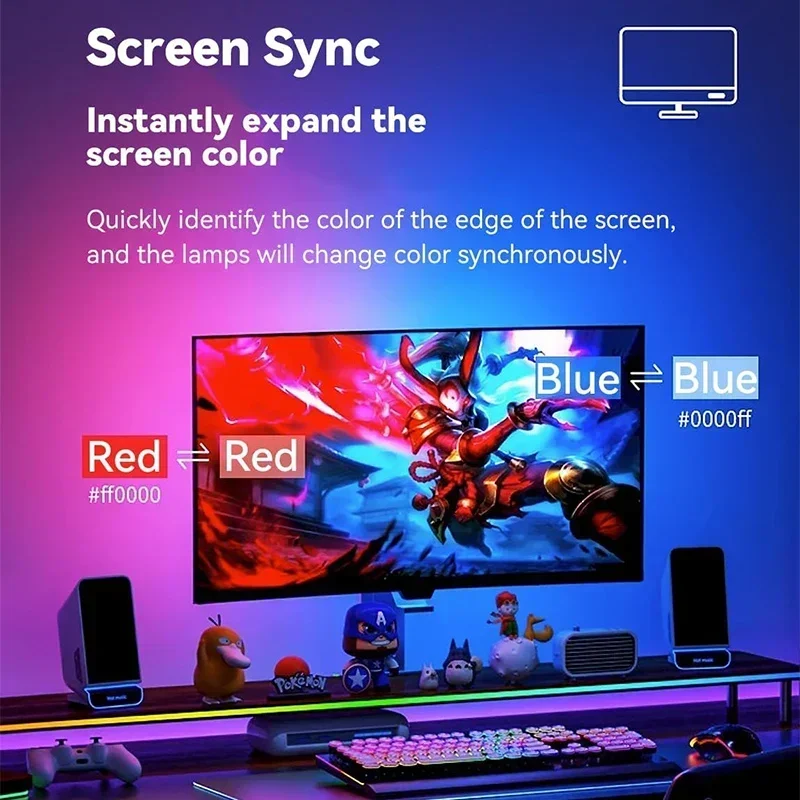
This Smart Ambient PC Display Sync Backlight solves contrast glare by matching the ambient illumination behind your monitor to the actual color palette being rendered on screen. By projecting responsive RGB light onto the rear wall, it creates a smoother brightness transition that helps soothe eye strain during extended desktop sessions.
Who Is It For?
This product is primarily designed for PC gamers, desktop setup builders, and digital workstation users seeking an immersive aesthetic upgrade. It is ideal for users who want reactive perimeter lighting during gameplay or video viewing without buying expensive external video capture hardware.
Users who operate multi-monitor setups or non-Windows environments should double-check strip sizing and background software compatibility before making a selection.
Key Features
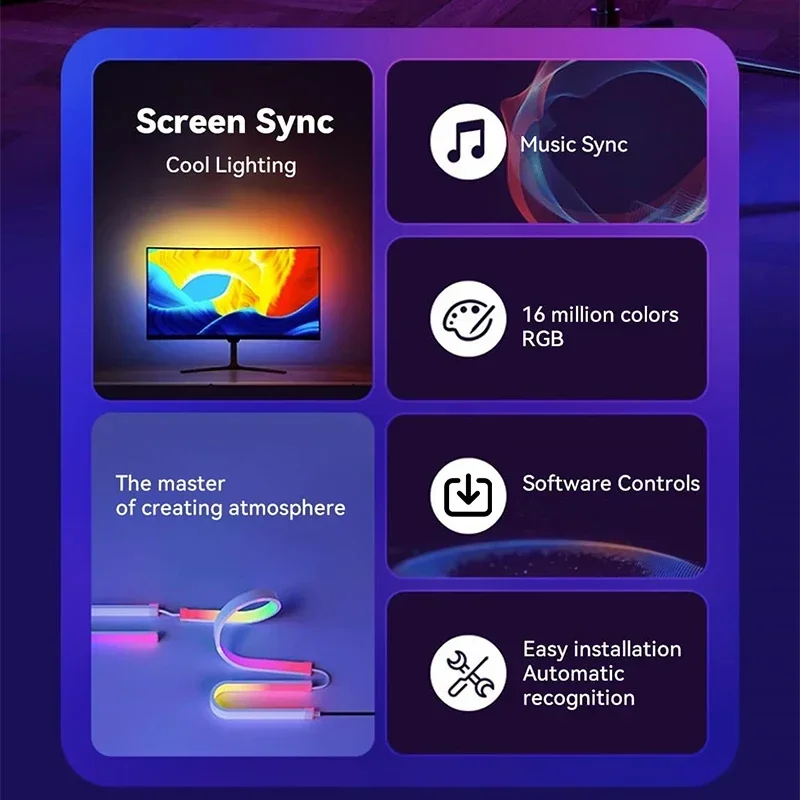
- PC Display Color Sync — Connects to a computer to capture on-screen color data in real time and mirror it on the backlight strip.
- RGB Spectrum Output — Features full-spectrum RGB LEDs with customizable modes for dynamic color transitions or static desktop illumination.
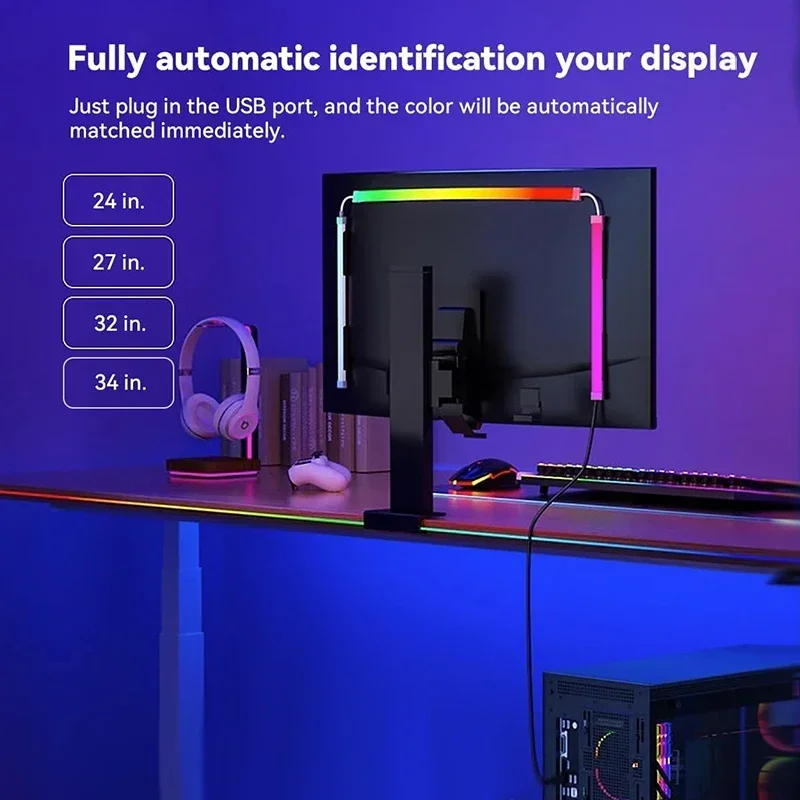
- Flexible Backlight Layout — Built on a bendable ribbon strip intended for easy perimeter mounting along the back edges of a PC monitor.
- USB Interface Connection — Powered and controlled via a standard USB port connected directly to your PC tower or hub.
- Customizable Light Modes — Offers DIY settings and dynamic lighting patterns for personalized aesthetic effects when active sync is off.
Technical Specifications
| Product Category | Smart Ambient PC Display Sync LED Light Strip |
| Light Source | RGB LED Strip Light |
| Synchronization Method | PC Display Screen Color Sync (Software Driver Based) |
| Power & Connectivity | Standard USB Port Interface |
| Color Capabilities | Full RGB Color Spectrum & DIY Effects |
| Intended Application | Rear Perimeter Bias Lighting for Flat or Curved PC Monitors |
| Strip Length / LED Count | Not specified (verify selected option variant before ordering) |
| Operating System Compatibility | Not fully specified in available data (requires compatible host PC software) |
Pros & Cons
Pros
- Real-time display color synchronization enhances immersive desktop gameplay and video playback
- Bias backlighting helps minimize visual fatigue in dark room gaming environments
- Direct USB connection simplifies wiring directly to host computer hardware
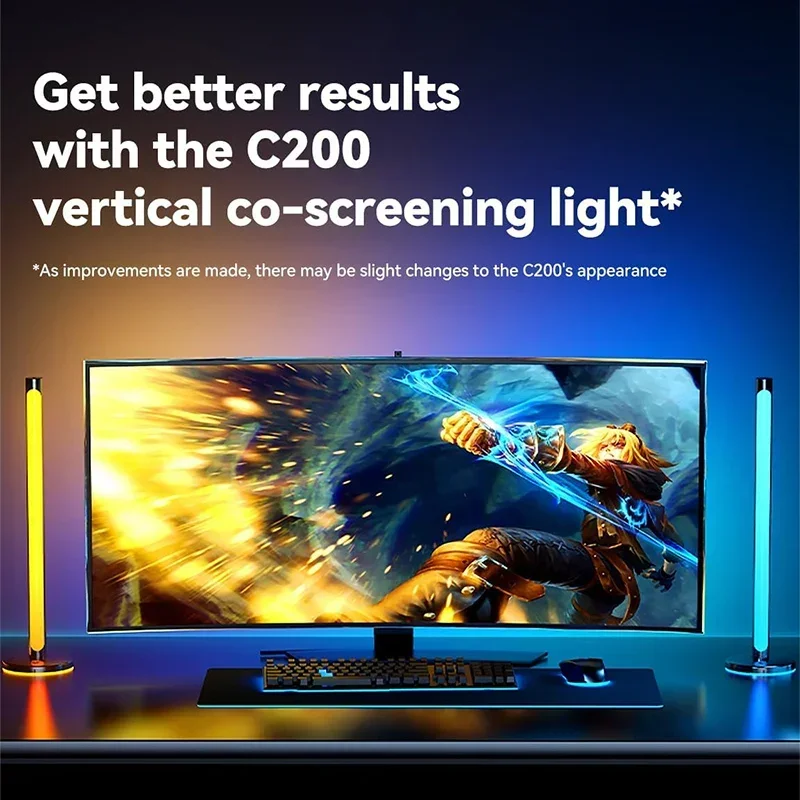
- Flexible mounting strip layout fits both flat and gently curved PC display panels
Cons
- Requires active background software running on the PC to deliver display color synchronization
- Exact strip length and LED density are variant-dependent and must be carefully checked before purchase
- Compatibility details for specific operating systems are not fully detailed in available specifications
FAQ
The strip connects via USB to your computer, where dedicated companion software reads on-screen color data and translates it into real-time RGB color outputs behind your monitor.
Physical fit depends on the strip length option selected. Measure the perimeter dimensions (top and sides) of your specific display before purchasing to ensure proper coverage.
Yes, standard dynamic modes and static color options can typically be selected through control settings, allowing it to function as standard desktop accent lighting.
The real-time screen display sync feature relies on PC software drivers. Using the strip on a TV or console without PC software connection may limit functionality to basic lighting or preset ambient modes.
Final Verdict
A compelling, practical option for PC gamers and workstation enthusiasts who want interactive ambient lighting matched to their screen content. It is recommended for users comfortable running desktop driver software. Those needing stand-alone TV lighting with HDMI capture boxes should look for hardware-based alternatives instead.