Adjustable Aluminum Laptop Stand Review: Cooling & Ergonomics
Problem & Solution
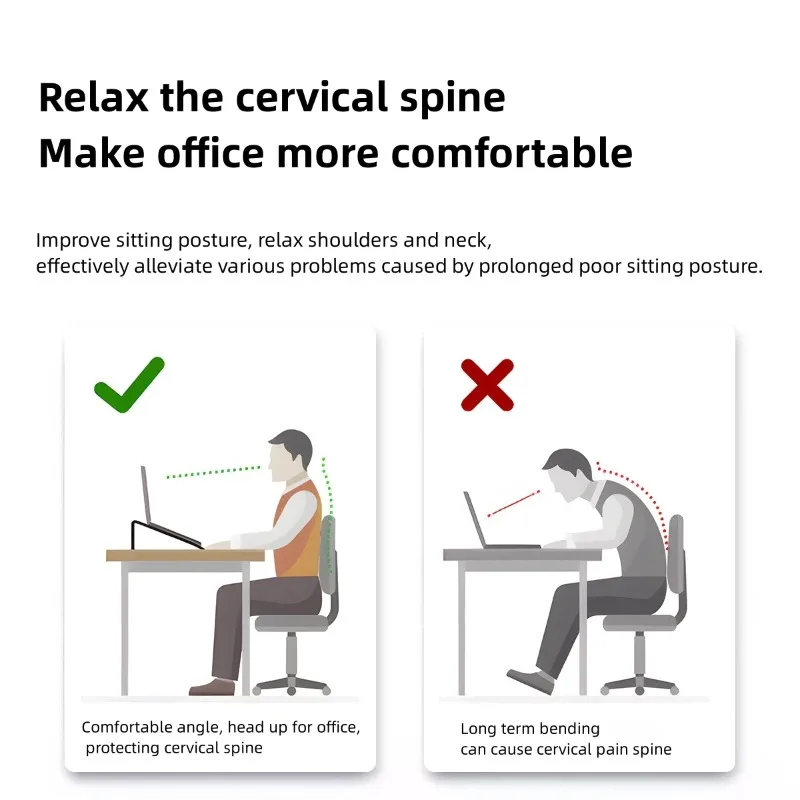
Using a laptop flat on a desk forces users into a hunchback posture, causing chronic neck, shoulder, and back strain during long work or study sessions. Standard flat desk setups also restrict airflow to bottom ventilation grilles, causing notebooks to build up heat and potentially throttle performance during demanding tasks.
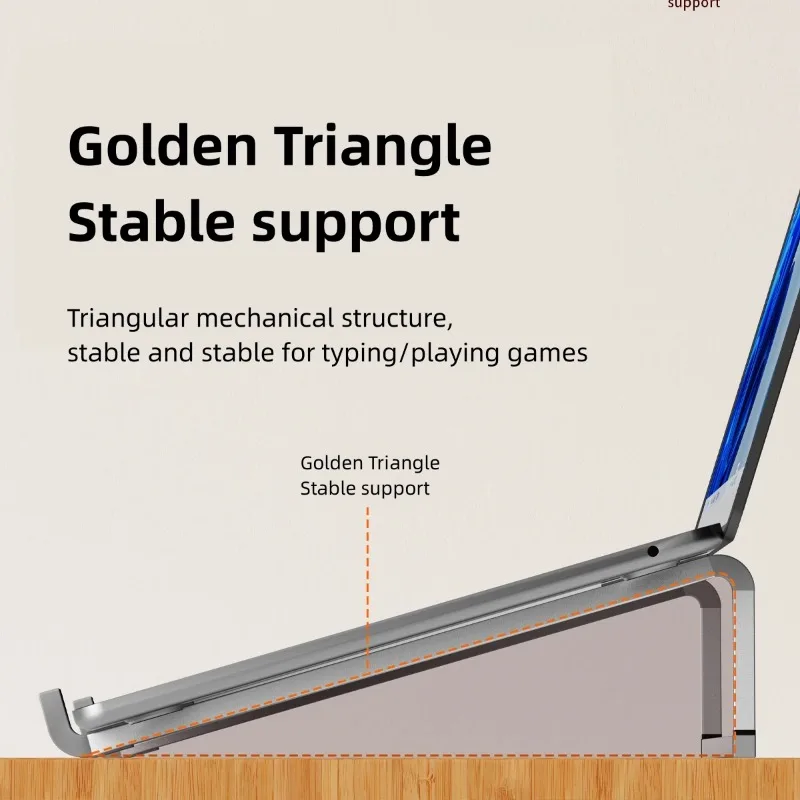
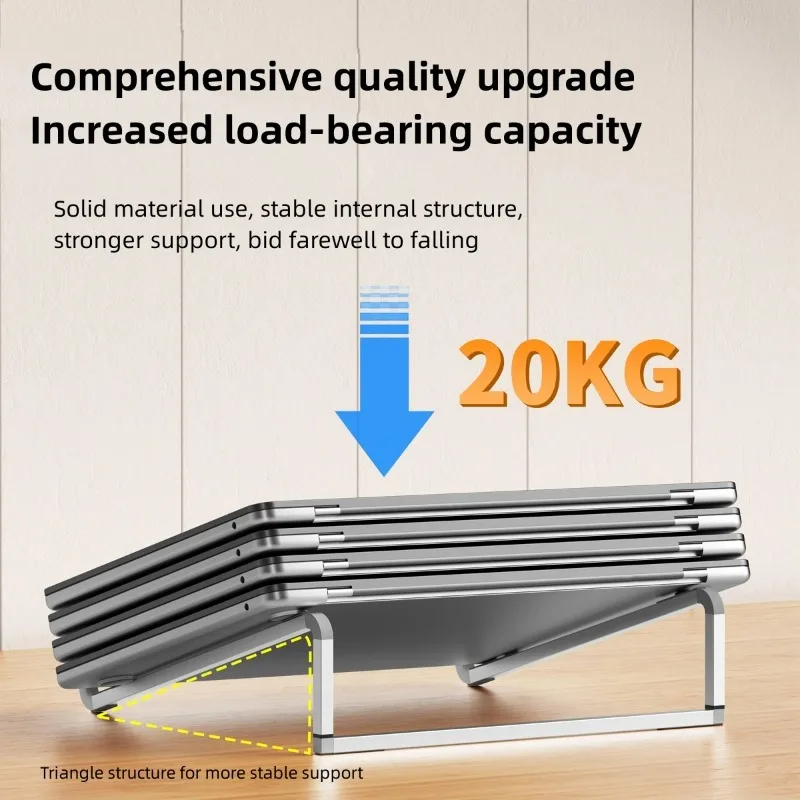
This adjustable aluminum stand solves both issues simultaneously by elevating the notebook screen closer to natural eye level while leaving the underside of the device open to surrounding air. The metallic structural build offers passive heat reduction benefits, helping maintain lower operating temperatures without requiring external powered fans.
Who Is It For?
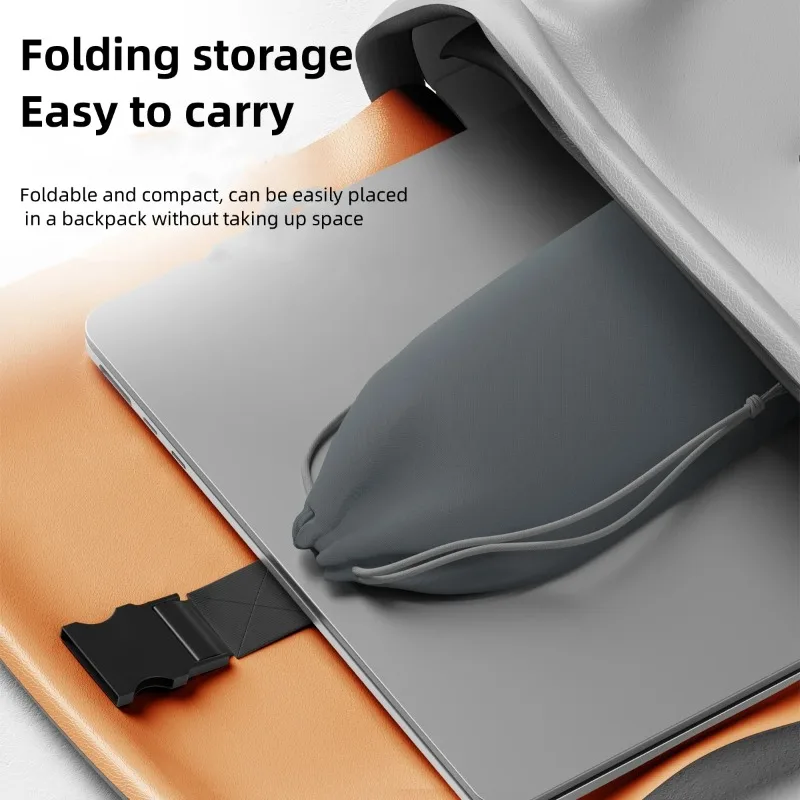
This accessory is designed for office professionals, students, remote workers, and tablet users who spend extended hours working on portable computers. It is especially suited for users who travel frequently or hot-desk, as the folding structure allows quick packing into a backpack alongside the computer.
Key Features
- Aluminum ConstructionProvides solid structural support while facilitating passive thermal conduction.
- Multi-Angle ElevationAllows users to raise the screen angle to reduce neck and eye strain.
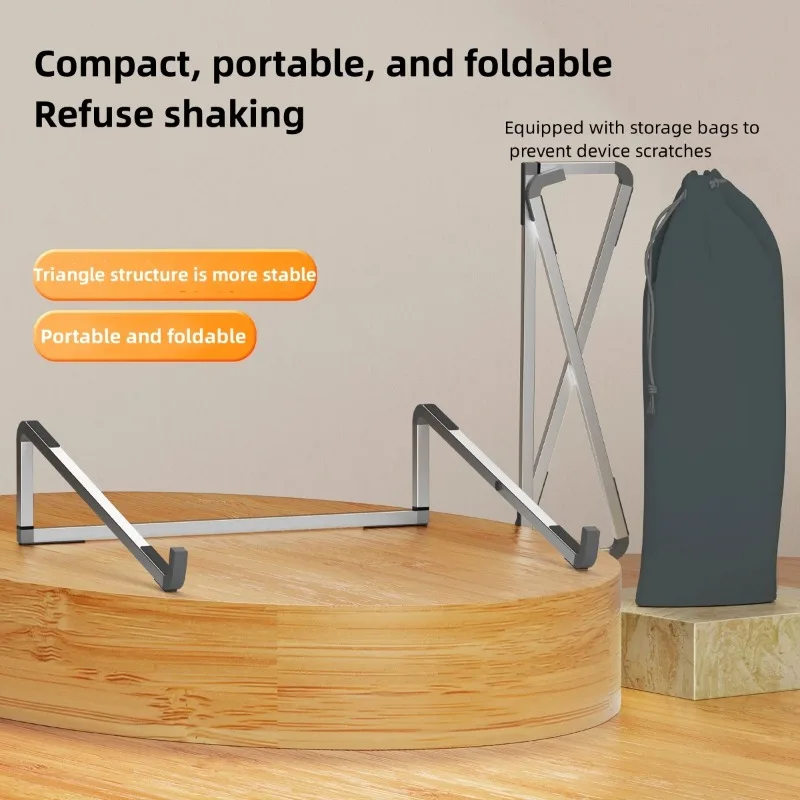
- Folding MechanismCollapses flat for space-saving storage in laptop sleeves or travel bags.
- Open Framework LayoutKeeps bottom ventilation intake ports unblocked for improved ambient cooling.
- Dual Laptop & Tablet SupportAccommodates both standard laptops and touchscreen tablets in angled display positions.
Technical Specifications
| Material | Aluminum Alloy |
| Design | Folding / Portable |
| Primary Function | Ergonomic Riser & Heat Dissipation |
| Device Compatibility | Laptops, Notebooks, and Tablets |
| Maximum Weight Capacity | Not specified in available data |
| Supported Display Sizes | Not specified in available data |
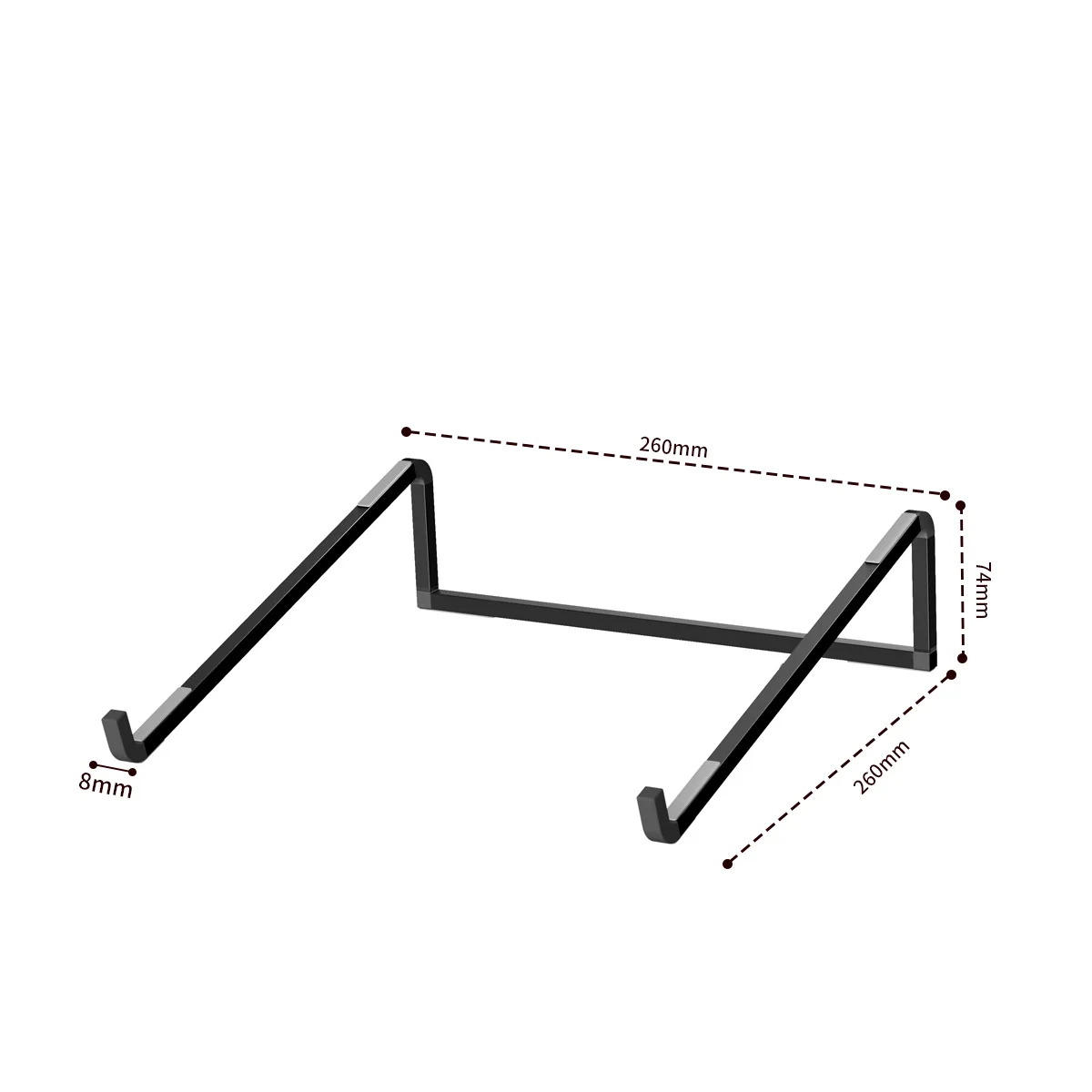
| Folded Dimensions | Not specified in available data |
Pros & Cons
Pros
- Folding metallic frame offers enhanced portability for mobile workers and commuters.
- Open-back structure prevents air blockage beneath heat-generating notebook components.
- Adjustable incline settings assist in creating a more ergonomic desktop viewing angle.
Cons
- Maximum weight load and exact supported laptop screen dimensions are not detailed in available product data.
- Typing forcefully directly on the elevated notebook keyboard may require an external keyboard depending on hinge stiffness and angle setting.
FAQ
The manufacturer lists general compatibility for notebooks and tablets, but exact maximum screen dimensions and weight limits are not specified in the available product data. Users with extra-large or heavy gaming laptops should verify stability upon setup.
By elevating the laptop off flat surfaces, the open frame allows unobstructed airflow to bottom intake vents. Aluminum also naturally aids passive thermal dissipation.
The product features an adjustable folding mechanism to alter viewing angles, though the specific number of predefined notch settings is not detailed in the available specifications.
Yes, the frame is specifically designed to fold flat for easy transportation alongside your laptop or tablet.
Final Verdict
A practical choice for mobile workers seeking better desk ergonomics and passive notebook cooling. Recommended if you use an external keyboard and mouse with your setup, but consider checking maximum weight tolerance if you own an unusually heavy workstation.