Problem & Solution
Many modern desktop computers, graphics cards, and enterprise laptops feature DisplayPort outputs as their primary video connection. However, standard monitors, HDTVs, and office projectors frequently rely on HDMI ports. Attempting to connect these mismatched video interfaces without the correct cable leads to display compatibility issues or an inability to output video altogether.
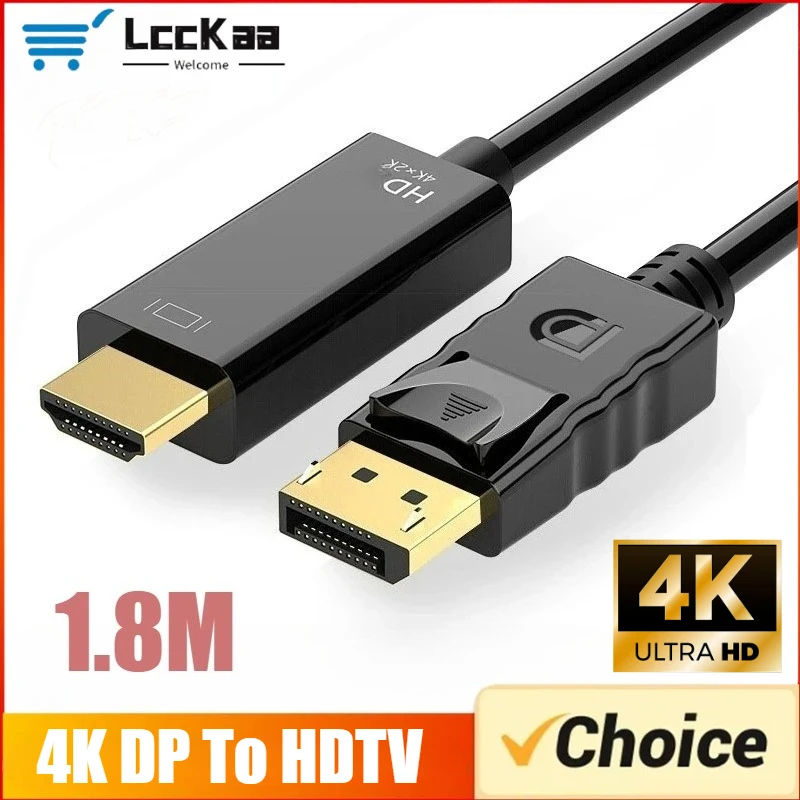
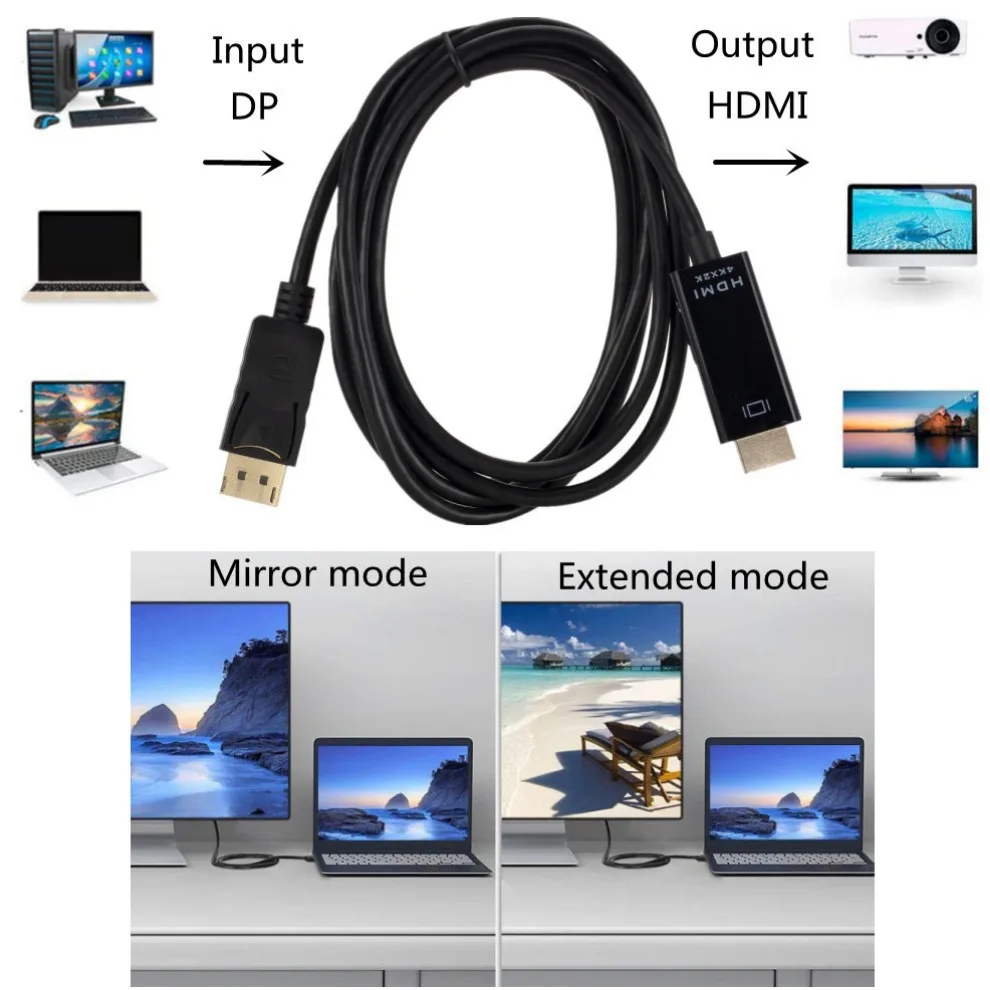
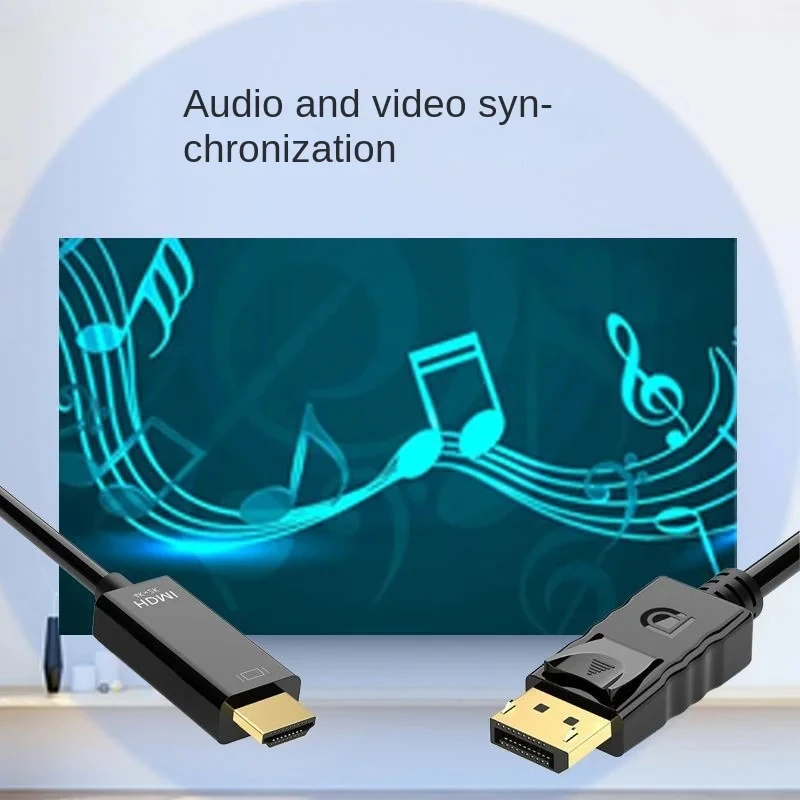
This 1.8-meter DisplayPort to HDMI cable adapter solves the connectivity mismatch by converting a DisplayPort video signal into an HDMI-compatible signal. It allows users to connect their DisplayPort-equipped PC directly to an HDMI television, second display, or projector without requiring expensive hardware upgrades or entirely new monitors.
It is essential to note that passive adapter cables of this category function unidirectionally. The signal travels exclusively from the DisplayPort source device to the HDMI display target.
Who Is It For?
This cable adapter is designed for desktop PC owners, workstation operators, and laptop users who need to connect graphics cards with DisplayPort outputs to external HDMI displays. It is well-suited for dual-monitor workplace setups, home office workstations, and meeting room projection setups.
Users seeking a straightforward, driver-free solution to mirror or extend their computer desktop onto an HDMI television or monitor will find this 1.8M cable suitable for standard desk distances.
Key Features
- 1.8M Cable LengthProvides ideal reach for standard desktop setups connecting a PC tower to a nearby monitor or TV.
- 4K Resolution SupportCapable of outputting high-definition video up to 4K resolution on compatible displays.
- DisplayPort to HDMI InterfaceConnects standard DisplayPort outputs on PCs/GPUs directly to HDMI display ports.
- Unidirectional Signal TransmissionBuilt specifically to convert video output from DP source devices to HDMI displays.
- Plug-and-Play CompatibilityFunctions without requiring software drivers, external power plugs, or complex software installation.
Technical Specifications
| Product Type | DisplayPort to HDMI Cable Adapter |
| Cable Length | 1.8 Meters (Approx. 6 feet) |
| Connector Type (Source) | DisplayPort Male |
| Connector Type (Display) | HDMI / HD Compatible (Male to Female adapter configuration as specified) |
| Maximum Resolution | 4K (exact refresh rate not specified in available data) |
| Signal Directionality | Unidirectional (DisplayPort Source to HDMI Display) |
| Driver / Power Requirement | None (Plug and Play) |
| Compatible Source Devices | PCs, Laptops, and Graphics Cards with DisplayPort out |
| Compatible Display Devices | Monitors, HDTVs, and Projectors with HDMI in |
Pros & Cons
Pros
- Practical 1.8-meter length fits standard home and office desk configurations.
- Supports up to 4K resolution for clean, high-definition video output.
- Requires no external power adapter or driver installation to operate.
Cons
- Unidirectional operation only; cannot convert an HDMI source signal to a DisplayPort screen.
- Specific refresh rate capabilities at 4K resolution (such as 30Hz vs 60Hz) are not explicitly stated in available data.
- Cable shielding tier and internal conductor materials are not detailed in the product specifications.
FAQ
No. This adapter cable operates strictly in one direction: from a DisplayPort source (such as a graphics card or desktop) to an HDMI display (such as a TV or monitor). It does not work in reverse.
No external power or software drivers are needed. It is a plug-and-play passive adapter that draws necessary operation signal directly from the host DisplayPort output.
The manufacturer lists this model with a total cable length of 1.8 meters (approximately 6 feet).
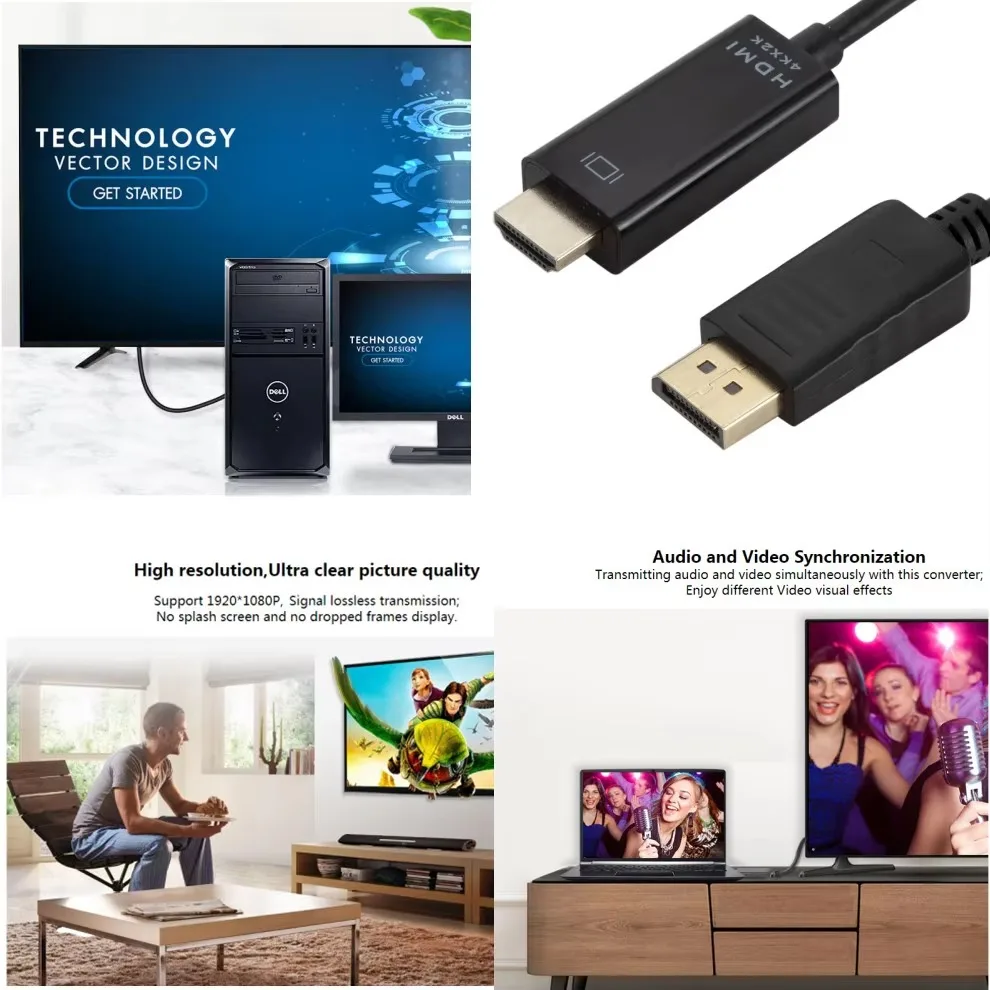
Standard DisplayPort to HDMI video adapters support digital audio pass-through alongside video, provided the host computer's graphics device supports audio output over DisplayPort.
Final Verdict
Recommended for users looking to connect a DisplayPort-equipped computer to an HDMI monitor, television, or projector over a 1.8M distance. Skip this model if you need to feed an HDMI output source into a DisplayPort screen, or if high-refresh-rate gaming specs are required. Always verify your device ports prior to purchase.